
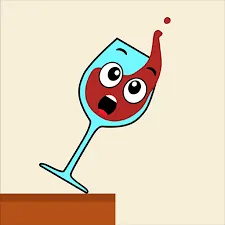
 Spill it
Spill It is a short physics puzzle. A ball sits at the top of the screen, glasses are arranged below, and your job is to drop the ball so the glasses tip over and spill. Each level is a tiny problem: where should the ball land, and what will it hit on the way down.
According to one site that hosts the game, you drag the ball left or right along a track at the top of the screen, let go when it’s above the spot you want, and tap to drop it. A reset button lets you restart the level.
On a computer, expect the same idea with your mouse: click and drag the ball, then click to drop it. That’s an assumption, not something I could verify, so check the on-screen hints in the version you open.
Before dropping anything, take a few seconds to read the layout:
These are strategy suggestions based on how a physics puzzle works, not tested rules.
| Browser version | Mobile app | |
|---|---|---|
| Install | None | App store download |
| Cost | Free to play on hosting sites | Free, with in-app purchases |
| Extras | Basic play | Skins and themes you unlock |
| Notes | Controls and levels can vary by site | Subscription option available |
The App Store listing describes an optional weekly VIP subscription at $5.99 after a 3-day free trial. It removes ads and gives bonuses. It renews automatically unless you cancel at least 24 hours before the period ends. If a child plays on your device, check your App Store settings before installing.
A physics puzzle where you drop a ball to knock over glasses and spill the liquid.
Move the ball along the top of the screen, let go above your target, and drop it. Drag the ball to aim, then tap or click to drop, according to one hosting site.
It varies by version. Walkthrough videos on Miniplay cover levels past 350, so at least some versions have hundreds.
It looks simple, but the app has in-app purchases and a privacy label noting possible tracking. Check settings and policies first.
The App Store listing describes an optional weekly VIP subscription of $5.99 after a 3-day free trial.











