 Crazy Shark
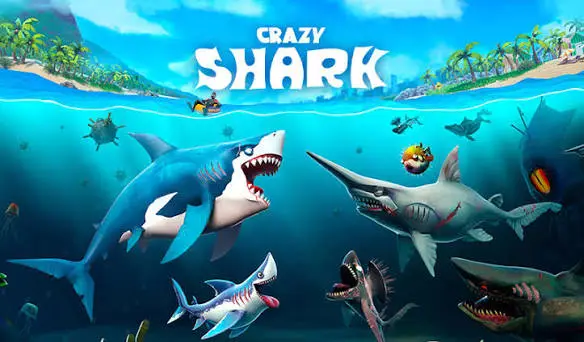
“Hungry Shark unblocked” and you’ll find plenty of pages promising instant play. What’s less obvious is that many of them host a browser lookalike, not the official game. This guide explains the difference, how a run works, how to survive longer, and how to stay safe.
| Official app | Typical browser copy | |
|---|---|---|
| Publisher | Ubisoft | Independent site |
| Where you play | Phone or tablet app stores | In a browser tab |
| Features | Many sharks, upgrades and missions | Whatever that build includes |
| Progress | Tied to the official game | Often stored only in your browser |
| Support | Official support | Usually none |
If a page doesn’t say clearly which one it is, treat it as unofficial.
The core loop is simple: your shark is always hungry, so you keep eating to stay alive. Hunger drains over time, and food refills it. Smaller creatures are safe snacks, while mines, certain sea life and larger predators are threats. Official versions add layers on top, such as different sharks, accessories, baby shark companions and a Gold Rush mode that extends survival and boosts your score.
Controls differ between builds. Official apps use touch, and browser versions vary, so look at the instructions shown in the game frame. Click or tap inside the game window first so it receives your input.
Stay near plentiful small prey while you learn how your shark steers and how quickly it turns.
Don’t chase one risky target while your hunger bar is low. Pick routes with several snack options in a row so you’re never far from a refill.
Big threats take up more space than they seem to. Approach from a direction that leaves you an escape route, and avoid swimming blindly into crowded areas.
In official versions, Gold Rush extends survival and scores big. Fill it with a chain of meals, then use it when you can reach a lot of food.
Hungry Shark Evolution came out in 2012, and Hungry Shark World followed in 2016, both from Ubisoft’s Future Games of London studio. Evolution is a classic arcade-style survival game, and its official listing describes it as playable offline. World is the newer sequel. If you’re choosing an official app, start with the one whose style you prefer.
The official Hungry Shark Evolution is listed with a 12+ rating on the App Store. It’s a cartoon-style game about eating sea creatures, but parents may want to check that it suits younger players.
The official games are published as mobile apps by Ubisoft. Browser versions on unblocked sites are generally independent copies.
It’s listed as free on app stores, with in-app purchases.
The official Evolution listing describes it as an offline game.
Evolution came first, in 2012, and World followed in 2016.
No. Modified files are a common source of malware.